Storage of Image Assets:
Storing image assets is very important as the assets you will use on a video game will all need to be together, this includes: sprites, locations, artwork, weapons, vehicles etc.
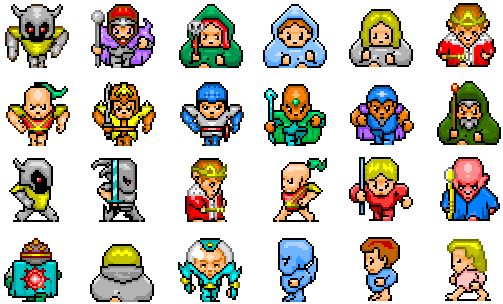
File size is an important factor when storing image assets as you want to be able to fit all of your assets in the same directory and on the same hard drive, going through lossy may help this as it gives the hard drive more memory to store the assets but lossless doesn't always working making the process risky. File formats come into play here as well, as if you are making/ editing the sprite in Photoshop and are not finished when you save you'll save it as a .psd, but if the file is finished and no further edits are needed you should save it as a .jpg to save more memory.
The naming conventions for files to do with games are:
icon, used for help content e.g. a question mark
img, used for images
button, used for graphical buttons
bg, used for backgrounds
sprite, used for sprites, e.g. characters, weapons, vehicles etc.
These are used to make it easier to define which files belong to which group.
Asset management is important as you want to be able to find what you want straight away, without having to search for it. Using the naming conventions is a way to do this but what if you want to look for a particular sprite, a certain weapon for example, a good way to do this is making a project folder and adding everything in there, then a sub folder for sprites, then a couple of sub folders in that one and name each one, e.g. weapons, vehicles, characters etc. You could even go into further detail by having another sub folder for each individual character, e.g. all there looks, movements, what they look like with an item etc.


No comments:
Post a Comment